Using Go Books
Creating a Go Book in the Problem Library section explains how to create a book for your needs. This article explains how to use one.
You can use Go books created by you or by other users—one of 101's distinctive features.
On the Go Books page, all books are arranged in five levels from beginner to advanced.
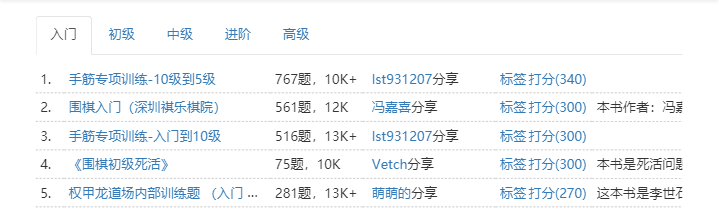
Choose a book with difficulty appropriate for your level.
Using “Plum Blossom Volume” as an example, opening the book brings you to this page.
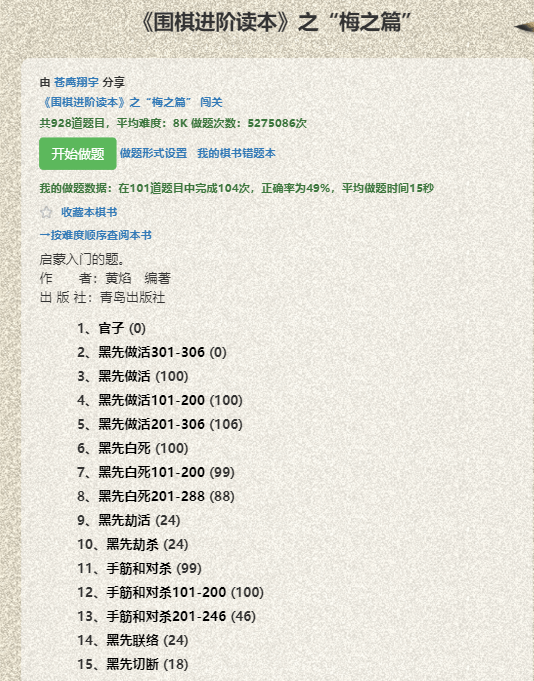
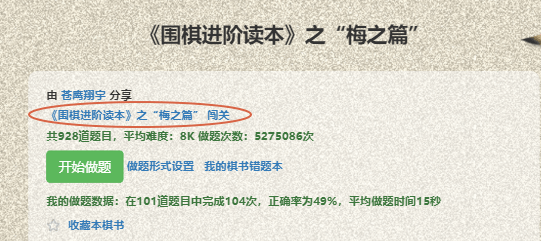
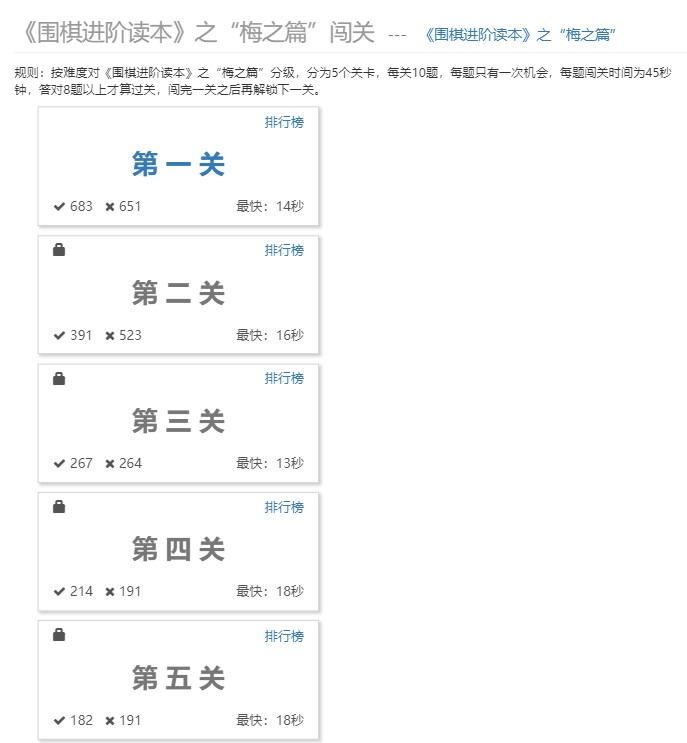
For books with many high-quality problems, we provide a dedicated challenge mode.
You can also solve a book's problems without using challenge mode.
First configure the problem-solving mode.
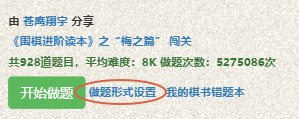
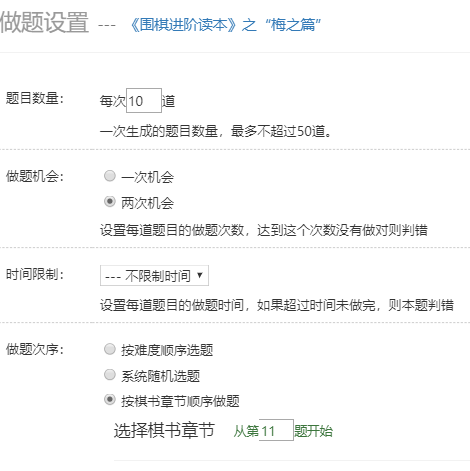
Then click Start Solving.
We also provide a Go Book Mistake Notebook.

In the mistake notebook, you can configure how to retry problems and review your mistake history.
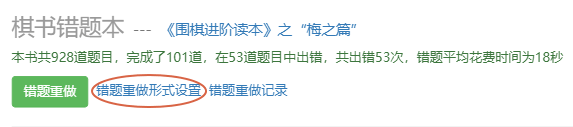

Open the mistake notebook, configure the retry mode, return to the previous page, and click Retry Mistakes to review the problems you answered incorrectly in that book.